Have you ever had a package stolen from your doorstep? You’re not alone. In fact, nearly
one third of Americans have had it happen to them.
This growing problem has prompted many creative solutions of how to successfully get people’s packages delivered. Some are looking to
video security as protection, some UPS drivers are using
creative package hiding techniques, and Amazon has implemented parcel delivery service with locked cubbies.
Amazon Lockers are a mailing address alternative. Using these self-service kiosks, Amazon packages can be delivered or returned for pickup, giving you an alternative delivery location besides the mail room of your
apartment building.
Here’s the scoop on Amazon Lockers:
Paste this Image on Your Site!
Simply copy and paste the code below and you can share this infographic on your site:
[fdembed]
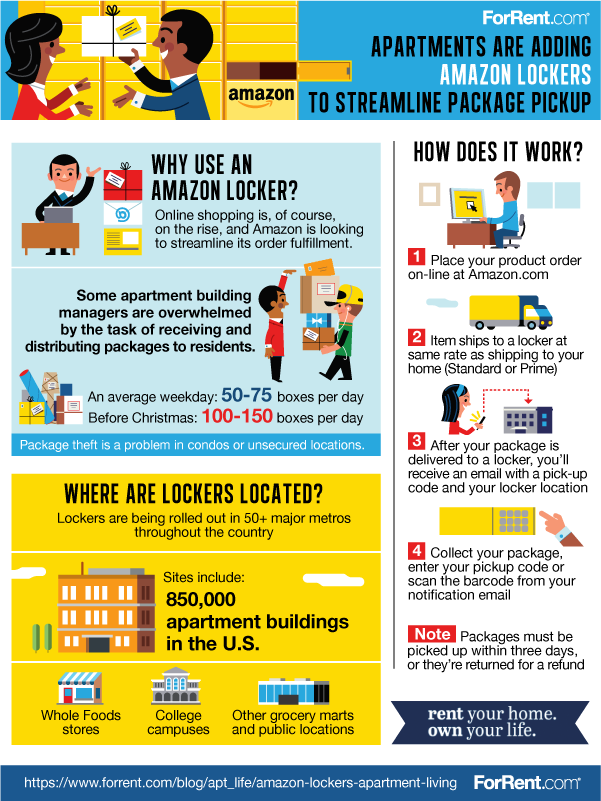
Why Use an Amazon Locker?
Online shopping is, of course, on the rise. With the growing problem of package theft, many online shoppers are looking for alternate delivery locations.
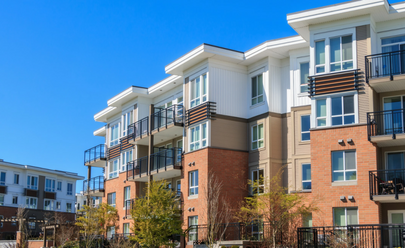
Especially in apartment buildings, the number of package deliveries can be enormous, making it easy for your items to get lost in the shuffle or be difficult to locate. On an average weekday, apartment buildings can receive 50-75 boxes per day, and before Christmas, it can double to 100-150 boxes per day. Needless to say, some apartment building managers are
overwhelmed by the task of receiving and distributing packages to residents.
Not only is this locker service useful for Amazon shoppers, but it is part of Amazon’s strategy to streamline their order fulfillment process.
Where Are Lockers Located?
As of December 2017, there were more than
2,000 locker locations in more than 50 major U.S. cities.
Current sites of Amazon Lockers include
850,000 apartment buildings in the U.S., Whole Foods stores, college campuses, grocery marts, and other public locations.
How Does It Work?
The first step is to place an order at Amazon.com. (Maybe you’d finally like to try cooking with an
Instant Pot like everyone has been talking about).
When placing your order, choose your preferred locker location. Shipping rates will be the same as shipping to your home (Standard or Prime). Other than any applicable shipping costs, there are no additional fees to use the locker.
After your package is delivered to the locker, you’ll receive an email with a pickup code and your locker location’s address and hours. Packages must be picked up within three days, or they will be returned for a refund.
When collecting your package, enter your pickup code or scan the barcode from your notification email.
Have you tried using an Amazon Locker? If so, we’d love to hear how your experience compared to having packages delivered to your apartment.