Have you ever been at the library on campus late at night cramming for an exam? Have you ever decided to go running by yourself when it’s dark out? Have you ever walked to your apartment off-campus alone? All college students have walked alone at some point. To protect yourself, download one of these safety apps onto your smart phone.
bSafe App
bSafe has been recommended by CBS and even
Jada Pinkett Smith, who is an avid user of the safety app. It was created as an easy way to keep you and your friends safe with features designed for both real emergencies and everyday safety. Here’s how it works:
- You create your personal safety network (Guardians) comprised of friends, roommates, classmates, family, etc.
- Ask your Guardians to walk you home with Follow Me. It sends out a live GPS trace of your location to your friends.
- Use I’m Here to tell your Guardians where you are.
- Apply Timer Mode when you’re going somewhere by yourself. It automatically triggers an alarm to your Guardians if you have not checked in on time to your location.
- Utilize Guardian Alert if you’re ever in an emergency. It immediately notifies your Guardians that you need help, lets them know where you are through a live GPS, sets off a siren, and automatically starts recording a video on your phone.
- Use Fake Call to get you out of an awkward or sticky situation. Your phone will automatically ring with a fake phone call.
Circle of 6 App
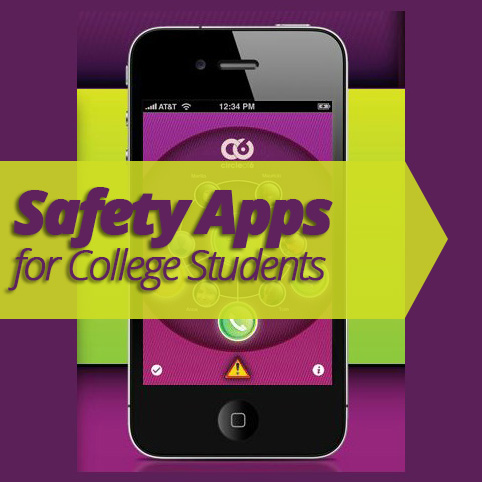
Circle of 6 was specifically designed for college students. You create a circle of six people and can send them different messages quickly and easily. Here are the features:
- Two taps on the app will automatically send out a text message to your contacts. One text says you need help getting home. The text includes an address and map of your location. The other text requests a friend to call you to break up a tense situation.
- National hotline numbers and campus security, police or 911 are also programmed on your phone through the app.
By downloading a safety app, you can feel more protected and secure if you are ever in a situation where you are alone. For more college tips and information, visit
ForRentUniversity.com today.